
Published October 4, 2026
ClickUp Pricing: What Each Plan Costs and Which to Pick
ClickUp's Free, Unlimited, Business, and Enterprise plans explained — plus what the AI add-ons cost.
ClickUp's pricing is simple on the surface — a free plan and three paid tiers — but the details matter: storage limits, automation allowances, and the separately-sold AI all affect what you'll actually pay. Here's the full picture, based on clickup.com/pricing as published in October 2026.
The plans at a glance
All prices below are per user, per month, billed annually. Paying month-to-month costs more.
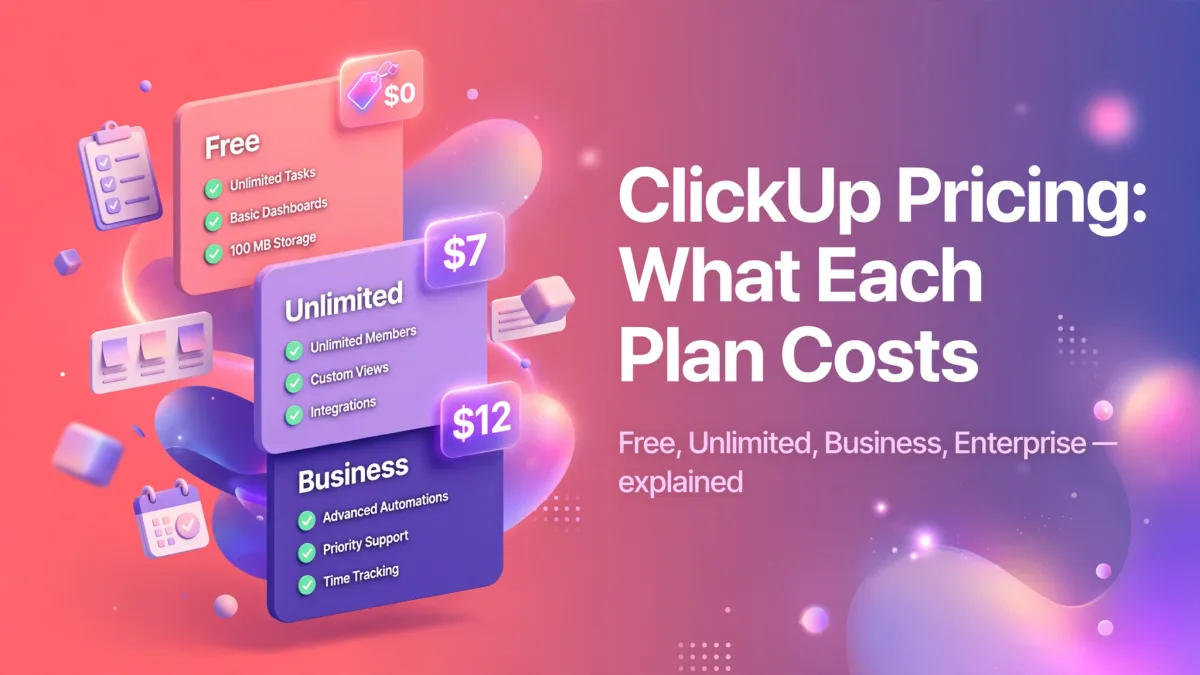
- Free Forever — $0. Unlimited tasks, unlimited free-plan members, 60MB storage, kanban boards, collaborative docs, sprint management, calendar view, 100 automation runs a month. This is a real working plan, not a trial — small teams can genuinely run on it.
- Unlimited — $7. Everything in Free, plus unlimited storage, unlimited integrations, unlimited Gantt charts and custom fields, native time tracking, goals and portfolio management, and guest permission controls.
- Business — $12. Everything in Unlimited, plus advanced dashboards, 5,000 automations a month, mind mapping, private whiteboards, Google SSO, sprint points and reporting, and unlimited proofing.
- Enterprise — custom. Everything in Business, plus SAML SSO and SCIM, audit logs, data residency, HIPAA availability, 250,000 automations a month, and a customer success manager.
What about the AI?
ClickUp Brain is sold separately. Brain costs $9 per user per month and Everything AI costs $28 per user per month (annual billing). Every plan includes a limited free taste of AI features so you can try before adding it to your bill. Our ClickUp Brain guide explains what the AI actually does.
Which plan should you pick?
Stay on Free if you're a freelancer or tiny team that mainly needs task lists, a kanban board, and docs. The limits you'll feel first are the 60MB storage and the 100 monthly automation runs.
Move to Unlimited when storage, Gantt charts, or time tracking become daily needs. At $7 a user, it's one of the cheaper paid tiers in the category.
Choose Business when you need serious reporting, SSO via Google, or thousands of automations — typically once you're past 10-15 people or running client work.
Talk to sales about Enterprise when security and compliance (SAML, audit logs, data residency, HIPAA) are non-negotiable.
Things people get wrong
First, the whole workspace upgrades together — you can't put two people on Unlimited and keep everyone else free. Second, monthly billing is meaningfully more expensive than annual, so the "$7" headline assumes a yearly commitment. Third, prices do change; if you're budgeting, confirm on clickup.com/pricing before you commit.
Back to the main ClickUp guide for the full picture, or see how to set up once you've picked a plan.